
Beam Suite
Intuitive design software for immersive projection.
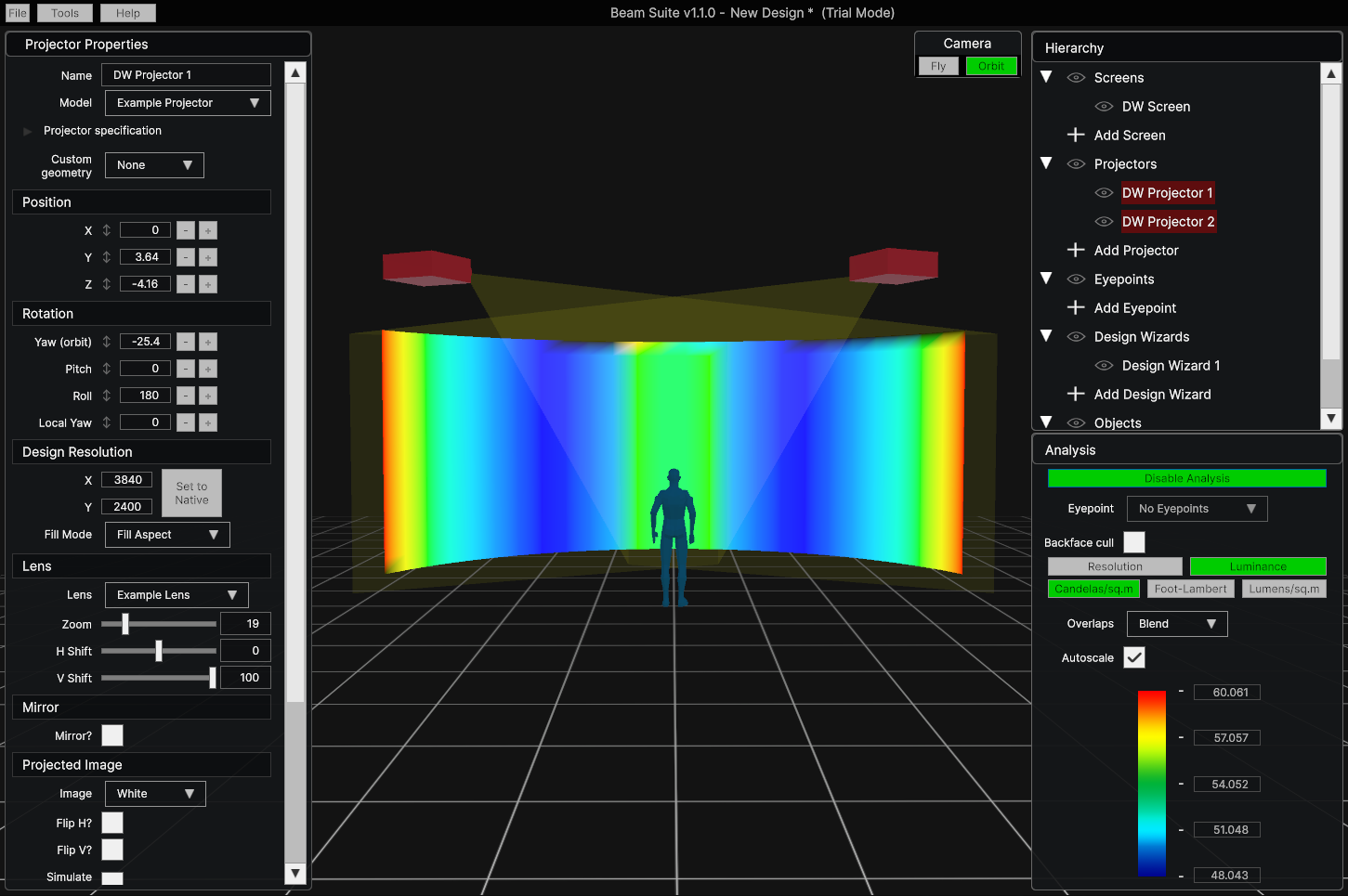
Efficient design of immersive projection systems in an intuitive interface.
Features & Benefits
Design real-world projection systems
Beam Suite has been built from the ground up by an experienced projection engineer.
Whether you’re a veteran engineer or just starting your first projection mapping project, Beam Suite is the tool for you.

Projector Definitions
Input your projector specifications and save Projector Definition files for reuse in multiple projects.

Any Screen Shape
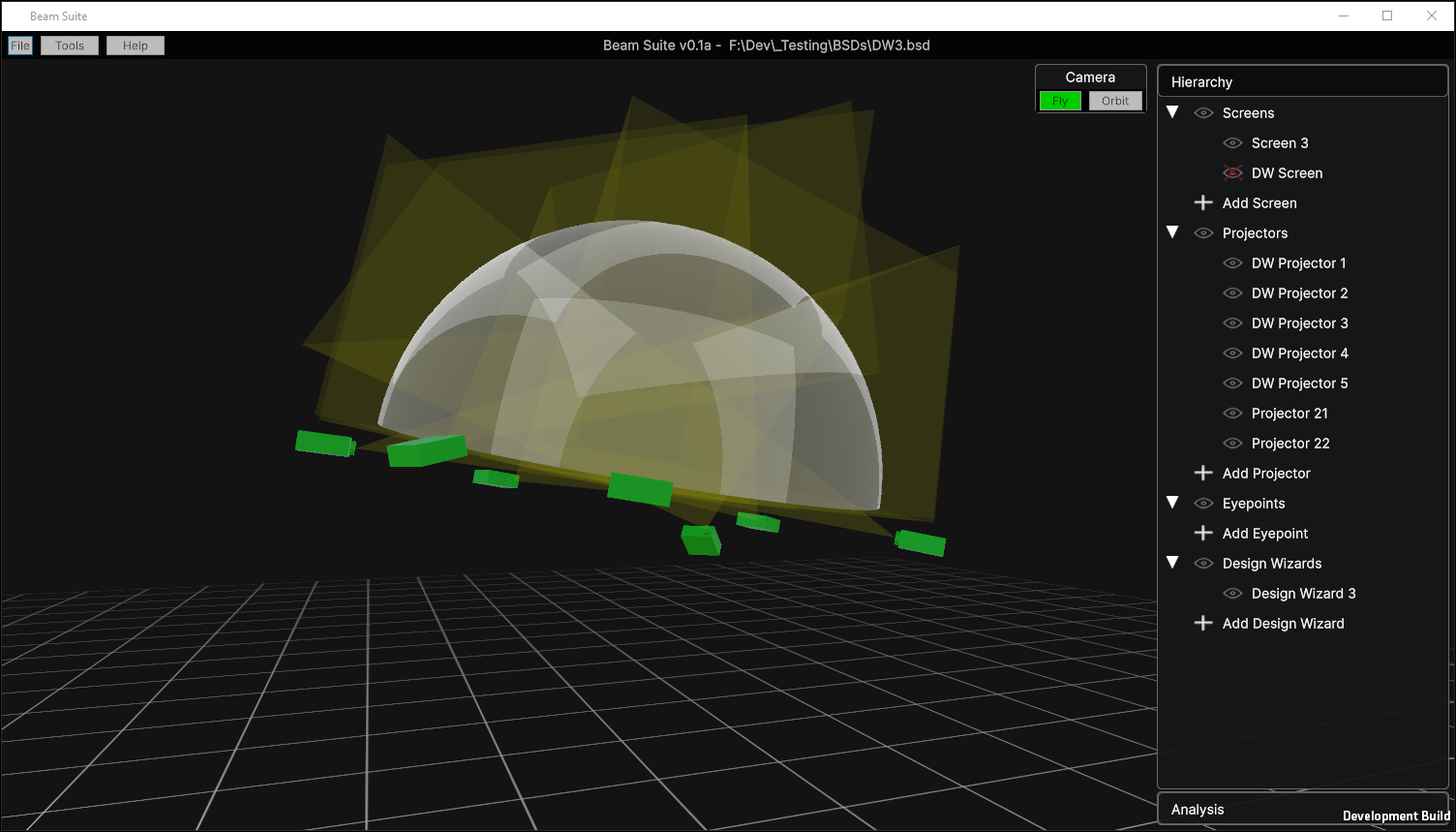
Choose from flat, cylindrical, spherical, conical, or CAVE screen shapes, or import your own 3D model.

Analysis
Analyse the expected resolution and luminance of projected images.

Eyepoints
See through viewer eyepoints and generate equirectangular or Aitoff images.

Design Wizard
Rapidly iterate flat and cylindrical designs with automatic projector layouts.

3D Import / Export
Import OBJ files and Export designs to OBJ or SKP format.
And many more features in coming updates.
More Details
Beam Suite lets you work
Other design software can feel clunky. Beam Suite is built with ease of use in mind.
Download now and use the trial mode to see for yourself.
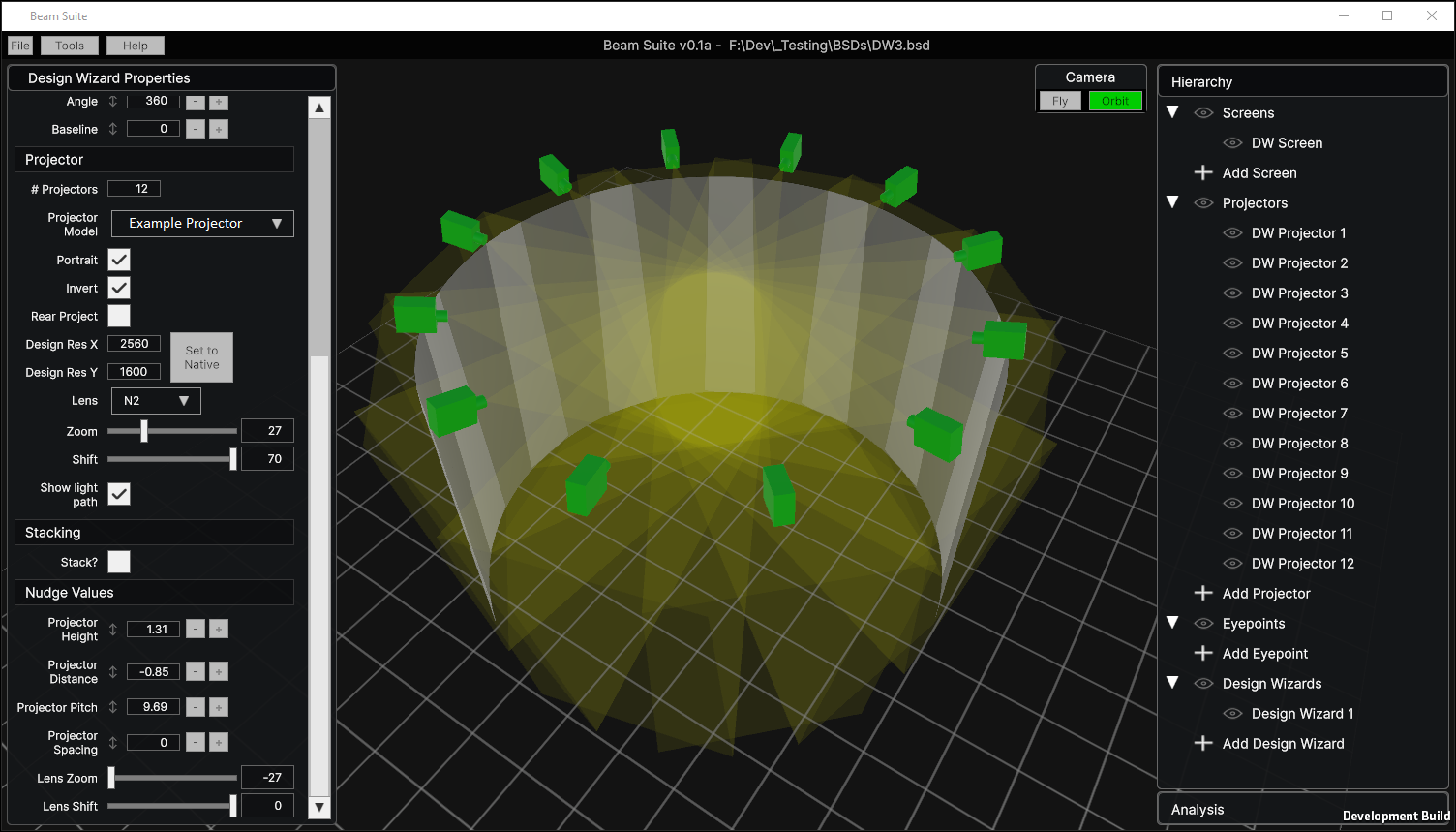
Unlimited Projectors
No artificial limits
Complete freedom to design the display you need.
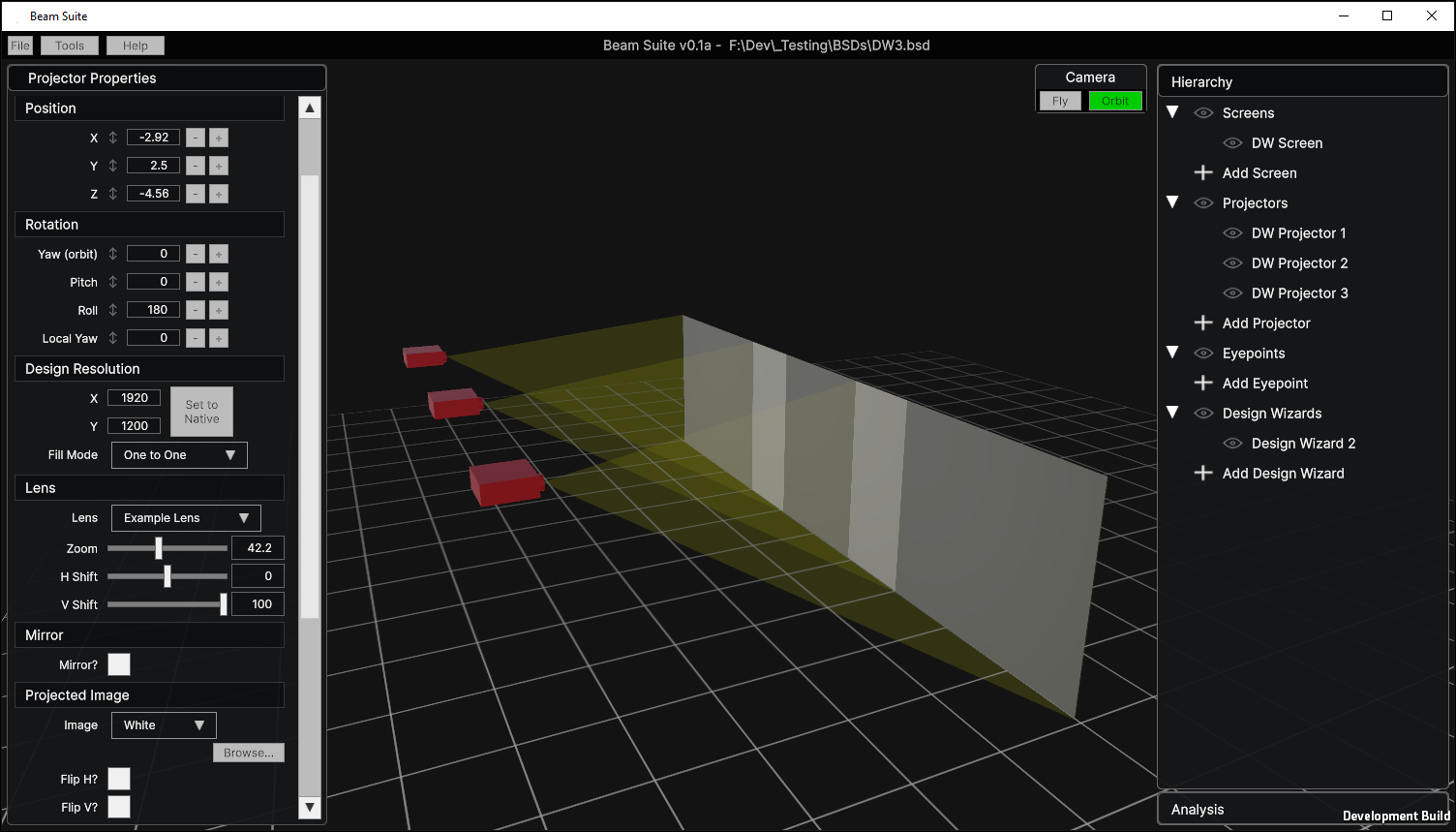
Fast and Efficient
Optimised and robust
Shader-based implementation ensures smooth editing of multiple projectors simultaneously.
Stay in Control
Control your data
No cloud. No AI. Beam Suite runs on your hardware and everything stays on your machine.

Reliable
Proven technology
Beam Suite is based upon the proven technology of Projector Simulator Pro, a Unity Editor extension that has had years of use and feedback from real projection engineers worldwide.
Beam Suite packages that functionality in a single desktop application. All of PSP’s features will be added over time.
Beam Suite is under active development and new features will be added regularly.
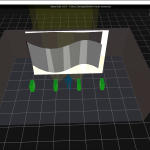
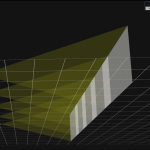
Stay updated
Frequently Asked Questions
Got Questions? We’ve Got Answers.
Full documentation coming soon. In the meantime, check out the FAQs or get in touch.
What are the restrictions of the trial mode?
Trial Mode does not allow saving of design files or 3D export. The license window pops up periodically in shorter intervals, until it no longer allows you to close it and you must restart the software.
This trial mode could be used to view existing designs, as it still allows design files (.bsd) to be opened, viewed, and edited.
How does licensing work?
On purchase, you will receive an activation code which can be entered into the software to unlock full functionality. The license is locked to the PC. Internet is required for activation.
Can I move my license to a different PC?
Yes. The license window allows you to deactivate your license which will free up the license key for use on another machine. Internet is required for deactivation.
Can I import custom 3D models?
Yes, version 1.1.0 added the ability to import OBJ files. You can use them as normal objects, or as screens or projector geometry.
Is Beam Suite vibe-coded?
No. Beam Suite started development in mid-2025 and is being developed using traditional methods.
Try It Free.
Download Beam Suite today and try the Trial Mode.
Currently Windows only – Linux support on the way!